Cheltenham Google Review Tap-and-Go Cards: Capture ‘In the Moment’ Feedback
A practical guide for Cheltenham studios, clinics, salons and other in-person businesses on using NFC/QR tap-and-go cards to collect fresh Google reviews before customers leave, including setup steps, staff prompts, and compliance tips.

Why ‘in the moment’ reviews matter for local businesses
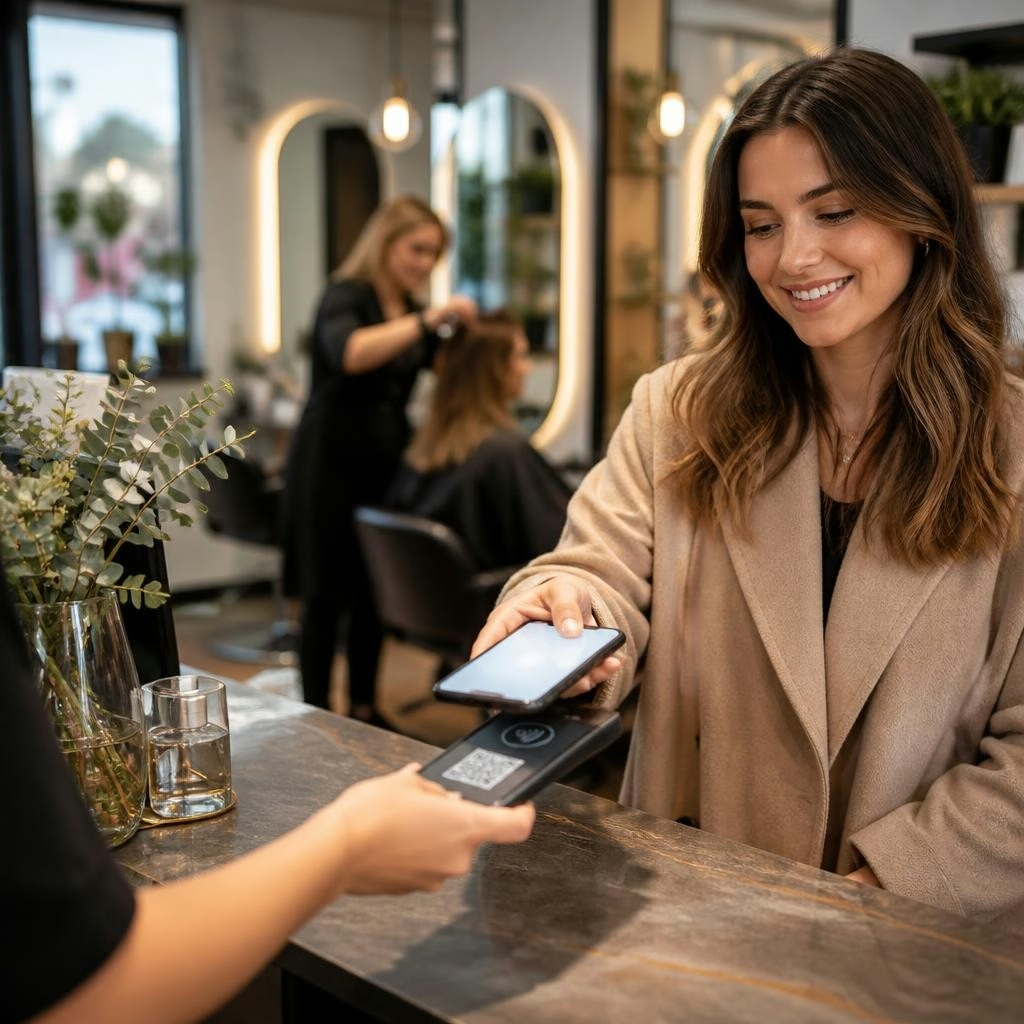
When customers are still on-site, their experience is fresh and they’re far more likely to leave a thoughtful review. For Cheltenham businesses competing locally, those recent Google reviews boost trust for people searching nearby and help your Google Business Profile look active and relevant. Capturing feedback before someone walks out the door turns a single visit into a visible piece of social proof.
What a tap-and-go card is (NFC and QR explained)
A tap-and-go card is a small, branded card that either contains an NFC chip or a printed QR code linking directly to your Google review form. Customers tap the card with a phone (NFC) or scan the code (QR) and are taken straight to the review page — no hunting through menus or copying long URLs. That low-friction path is what makes in-person review collection effective.
Quick setup: preparing the Google review link
Start by generating a direct review link for your Google Business Profile (the share/review link available in your profile). Use a short, simple URL or a redirect so the link is tidy and easy to embed in a QR or into an NFC payload. Test the link on multiple phones to make sure it opens straight to the review box, not just your profile page. If you use automation or reputation software, you can also route the same link through your platform for tracking.
Designing and programming the card
Keep the card clean and on-brand: your logo, a one-line prompt and a visual cue (tap or scan). For QR cards, generate a high-contrast QR and print at a size that’s easy to scan. For NFC, programme the chip with your review URL and test it with a range of phones. Consider durable finishes for cards that will be handled frequently. Many businesses pair a small stand or display so cards don’t get misplaced behind the till.
Simple staff prompts that work
Train staff to ask for reviews naturally as part of the goodbye. Short, friendly scripts convert best. Examples: “We’d love to hear how that went — could you tap this card and leave us a quick review?” or “If you enjoyed that session, a one-minute review would really help us — this card links straight to our Google page.” Encourage staff to offer the card while handing receipts or booking future appointments so the ask feels like part of the service.
Compliance and best-practice reminders
Always ask for honest feedback and avoid offering payment or discounts in exchange for positive reviews — that risks policy violations and damages trust. Make it clear that reviews are voluntary and that you welcome all feedback. If you collect contact details for follow-up, ensure customers consent and that you handle data in line with privacy expectations. Also display a small notice explaining how reviews will be used (for example: to help improve service and inform other local customers).
Measure results and iterate
Track how many reviews arrive after you introduce the cards and watch for changes in frequency and sentiment. If conversion is low, try adjusting the staff prompt, moving the card to a more visible spot, or switching between NFC and QR to match customer devices. Pair in-person asks with a gentle follow-up email or SMS (if the customer opts in) to catch anyone who didn’t submit immediately. Over time, simple tweaks often deliver noticeably better take-up.
Getting help in Cheltenham — and a real example
Local businesses sometimes need a bit of hand-holding to make this work. Customer Reviews Expert specialises in review collection and has helped Cheltenham studios and clinics set up practical tap-and-go cards and staff workflows. One local client described receiving a simple, effective review card and the guidance to ask for “in the moment” feedback — a reflection of the kind of clear, patient support this business provides. If you want a short consult to see how a tap-and-go card could fit into your reception routine or Reputation Autopilot workflow, reach out for a quote and a quick how-to session.
Customer review


Article by
Customer Reviews Expert
I provide a powerful reputation growth system designed for businesses seeking to dominate their local market. Operating across the region, I help my clients supercharge their online presence using my specialised reviews marketing software. My approach combines my professional expertise with cutting edge automation through my Reputation Autopilot platform that ensures consistent growth. By leveraging my google and ai visibility software, I enhance your local seo to build unwavering trust and visibility. I prioritise reliability and transparent results to turn your profile into a growth engine. Experience the difference my software makes for your brand today. Request a quote to get started.